Cursor-first Mac launcher
OFTR Orbit Quick Launcher
Launch apps, files, folders, links, shortcuts, and snippets from your cursor.
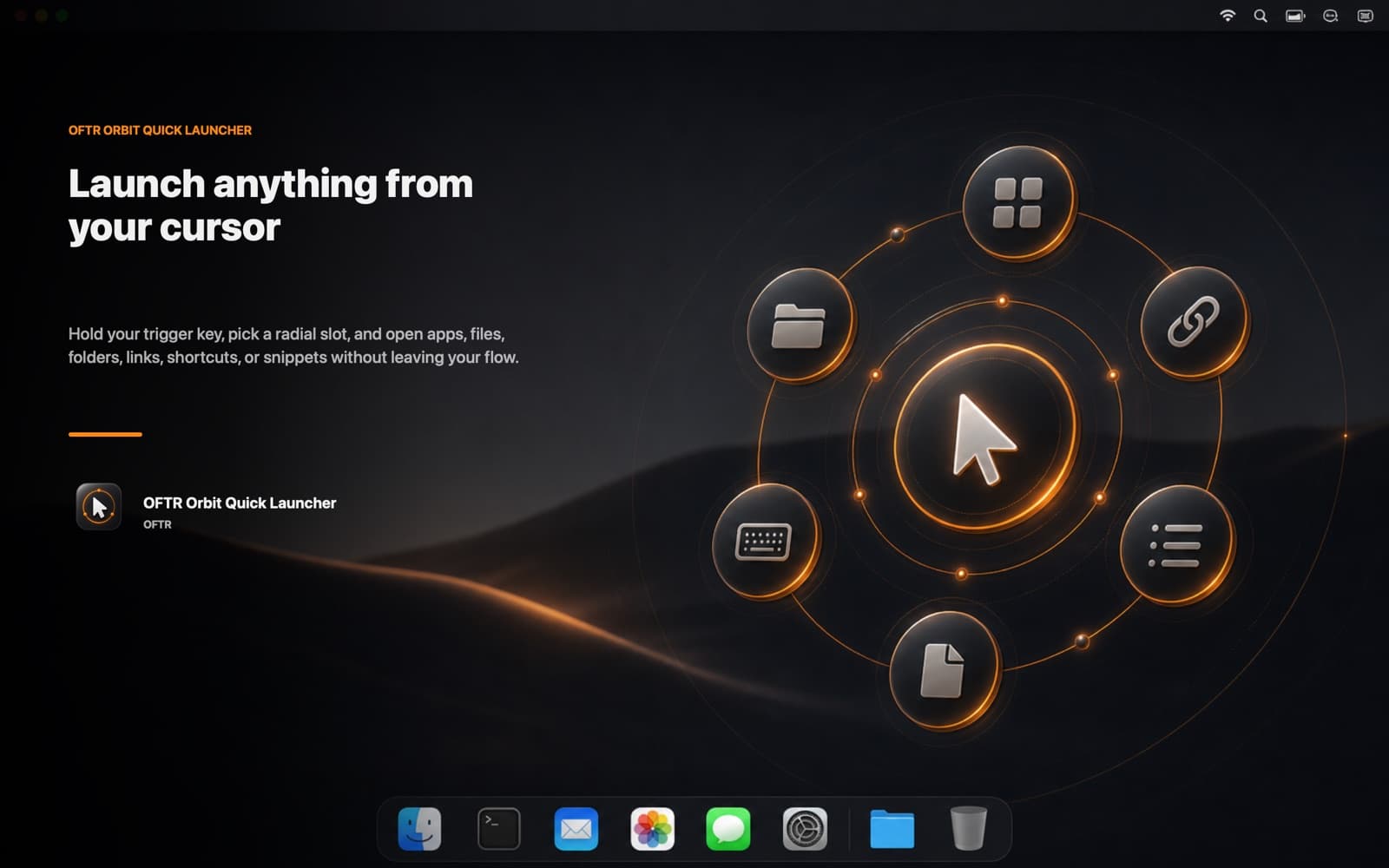
Hold your trigger key and open a radial launcher where your pointer already is. Build profiles for development, design, and daily work.
Cursor-centered radial menu
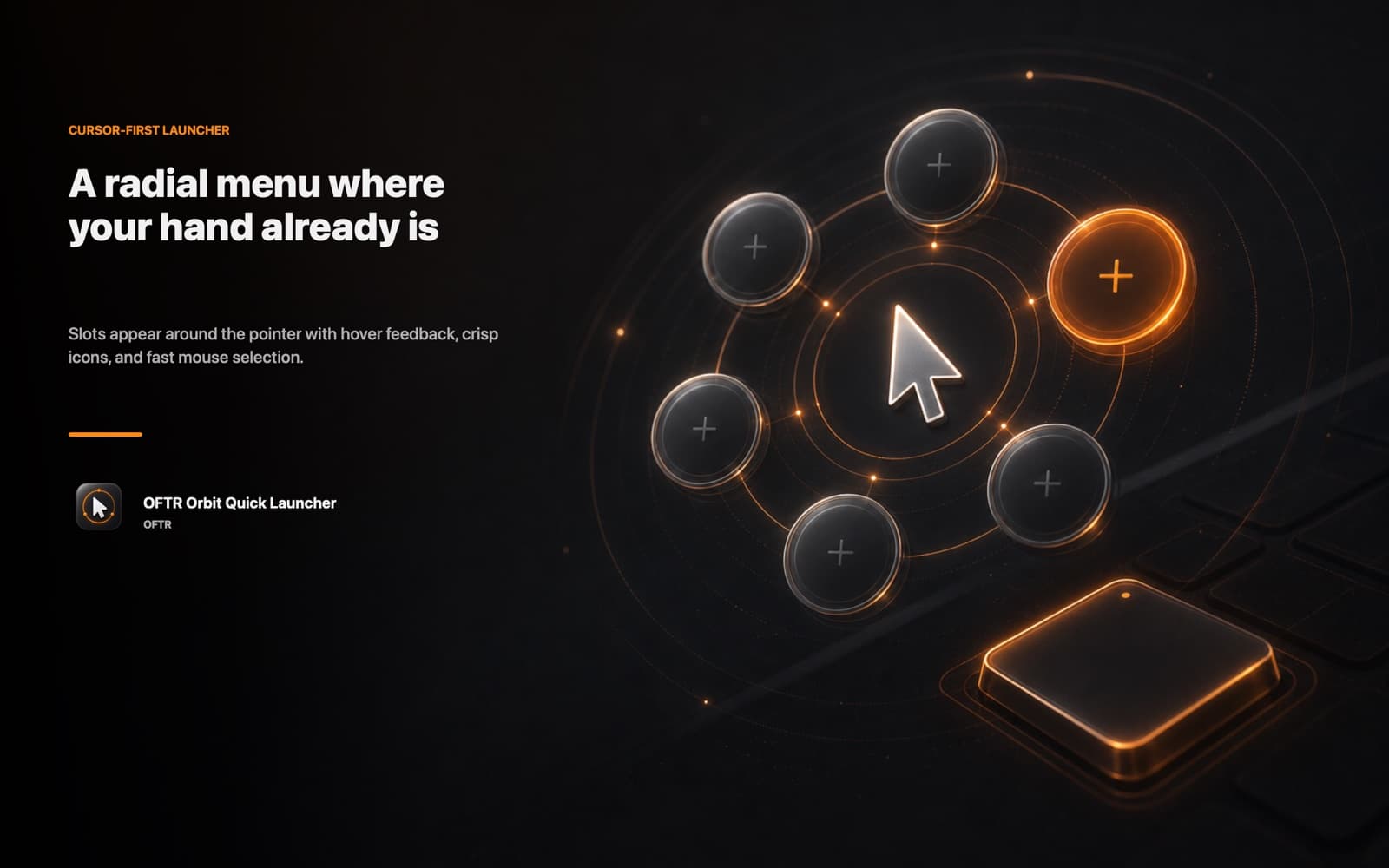
Open your most-used actions around the pointer with a configurable trigger key.
More than app launching
Use the same radial menu for files, folders, URLs, keyboard shortcuts, and saved text snippets.
Profiles for each workflow
Keep separate radial layouts for coding, design, admin, and daily tasks.
Workflow
Built for small Mac tasks that interrupt deep work.
Assign your slots
Add apps, files, folders, links, shortcuts, or text snippets.
Hold the trigger
The radial menu opens around your cursor in the current context.
Release into flow
Click a slot and execute the action without opening another launcher window.
Screenshots
FAQ
Does it require an account?
No. Orbit Launcher runs locally on your Mac and stores settings locally.
Which languages are supported?
The app supports English, Korean, and Japanese.