Mac menu bar utility
OFTR Screenshot Router
Send every screenshot to the right folder before your Desktop fills up.
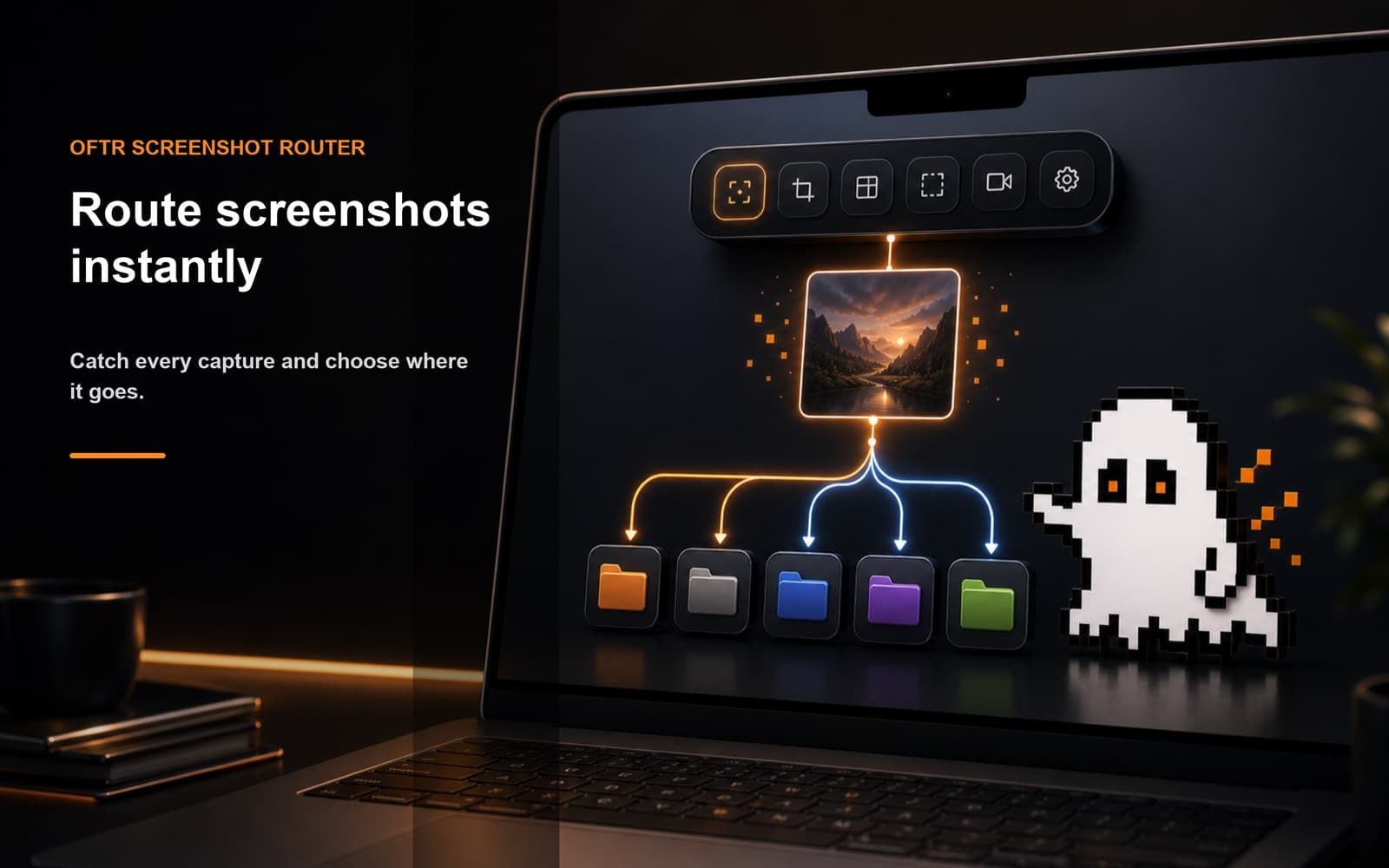
Watch your screenshot folder, preview each new capture, and route it to project, notes, design, reference, or download folders from a compact Mac router.
Instant watch folder detection
Monitor the folder macOS or your capture tool uses and open the router when a new screenshot arrives.
Preview before routing
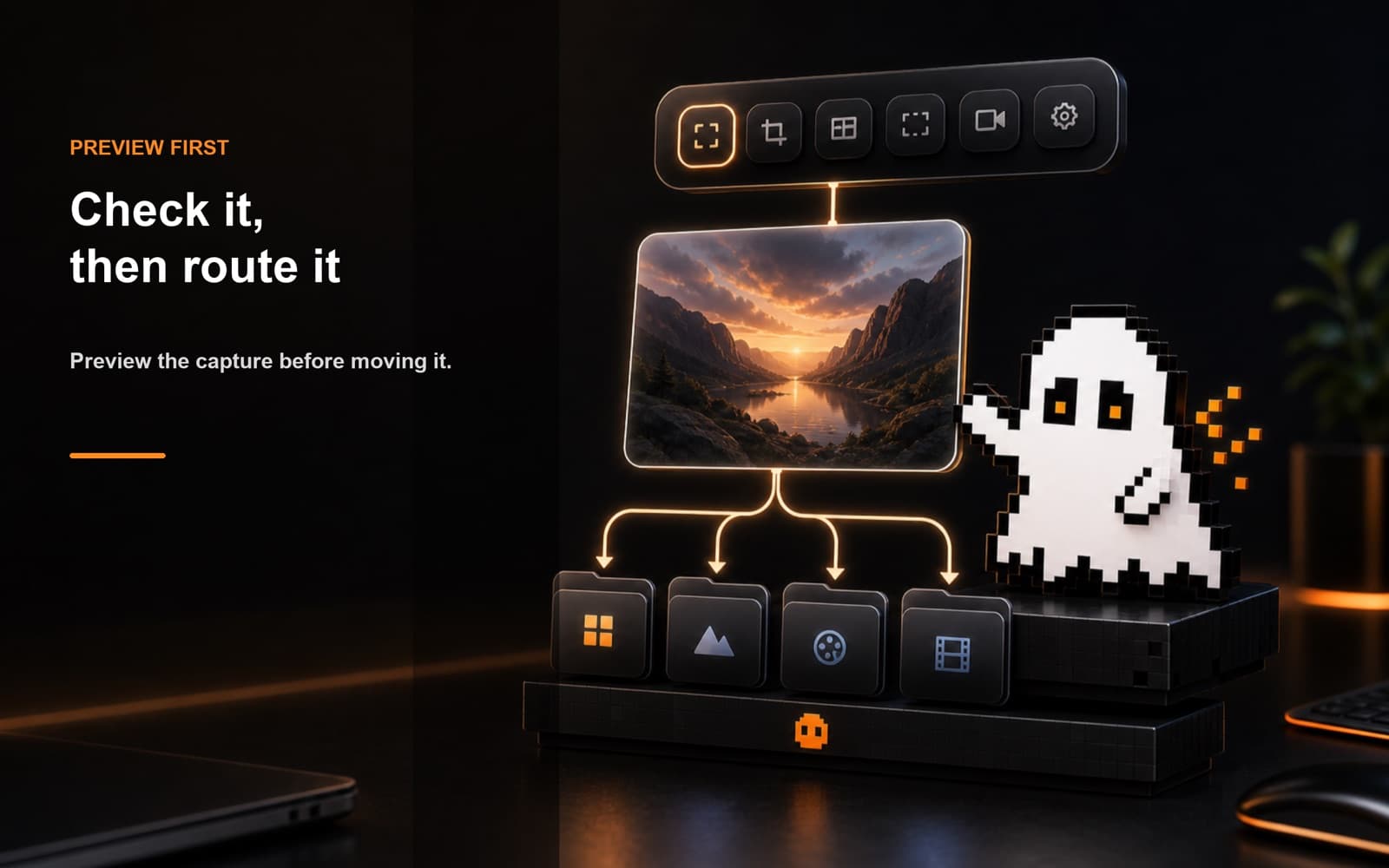
See the screenshot first, then choose whether it belongs in design, research, notes, downloads, or any folder you define.
Fast destination routing
Create quick destinations with colors and keep cleanup decisions close to the moment of capture.
Workflow
Built for small Mac tasks that interrupt deep work.
Take a screenshot
The app watches your chosen screenshot folder in the background.
Review the capture
A compact router appears with a preview and your destinations.
Send it away
Pick the destination and keep working with a cleaner Desktop.
Screenshots
FAQ
Does it upload screenshots?
No. Screenshot routing runs locally on your Mac.
Can I watch more than one folder?
Yes. You can add additional watch folders for custom capture workflows.